
"Does auto dubbing hurt YouTube views?" is one of the questions Google suggests as soon as you type "does auto dubbing". It's a fair worry. YouTube turned auto dubbing on by default for eligible channels and opened it to everyone in February 2026, so most creators never chose it. They found out from an email or a line in their video description.
We run Human Voice Over (HVO), a New York dubbing studio where real voice actors, not AI, dub YouTube videos into 45+ languages. So we're not neutral, and that's why this page sticks to what YouTube itself has said, checked on its help pages and blog on 11 November 2026, plus how to check the numbers on your own channel.
What YouTube says about auto dubbing and views
YouTube has said it twice, in plain words:
- 4 February 2026, when auto dubbing opened to every channel: "there's no negative impact on your original video's discovery algorithm, and it might be able to help with discovery in other languages" (YouTube Blog).
- 15 May 2026, YouTube's creator liaison: having your videos dubbed "has no negative impact on viewer discovery, only potential upside" (YouTube Blog).
Two more facts explain why. A dub is not a separate video: every audio track sits on the same video, so views in any language are views of your video (YouTube Help). And viewers who speak the original language still hear the original: the audio track defaults to each viewer's preferred language, worked out from their watch history, and anyone can switch tracks in the player or set a preferred language (YouTube Help).
So for your English audience, nothing is taken away. The open question is what happens with everyone else.
What is known and what isn't
| Question | What YouTube has published | What it hasn't published |
|---|---|---|
| Discovery | Auto dubs don't hurt the original video's discovery and may help in other languages. | How much extra discovery a typical channel gets from auto dubs. |
| Audience | In December 2025, more than 6 million viewers a day watched at least 10 minutes of auto-dubbed content. | How long auto-dubbed viewers watch compared with viewers of the original, or how often they switch back. |
| Dubbed tracks in general | Creators who uploaded their own dubbed tracks saw over 25% of their watch time come from the video's non-primary languages. | A matching figure for auto dubs alone. |
| Quality | Auto dubs "might contain errors due to mispronunciations, accents, dialects, or background noise" and can struggle with "proper nouns, idioms, and jargon". You can't edit them. | How those errors affect watch time or subscribers. |
Sources: YouTube Blog, 4 Feb 2026; YouTube Help, "Add Multi-language features to your videos" and "Use automatic dubbing". All checked 11 November 2026. The right-hand column is what we could not find on YouTube's help pages or blog.
The honest reading: auto dubbing won't cost you views you already have. Whether it earns you loyal viewers in other languages depends on how good the dub sounds for your kind of video, and only your own numbers show that.
Where an auto dub can still cost you
Not in the algorithm, but in the room. Three things are worth watching:
- First impressions in a new language. A Brazilian viewer who meets you through a flat voice and a mistranslated joke may never come back. YouTube lists the weak spots itself: names, idioms, jargon, accents, background noise, and matching the dubbing voice to the original speaker.
- The wrong default. YouTube added a preferred language setting because, in its words, "one size doesn't fit all" for viewers. Bilingual fans who would rather hear you may land on a dub first.
- Things you never heard. Unless you choose Publish manually, dubs go live automatically, and over time YouTube may also dub videos you published before. A sponsor read or a name said wrong goes out under your name.
When creators ask us whether to keep their auto dubs, the parts we listen to first are the same every time: the opening minute, the jokes, every name and brand, the sponsor read, and any moment where two people talk over each other. That's where auto dubs slip most, and it lines up with the limits YouTube lists for its own tool.
How to check it on your own channel
You don't have to guess. YouTube points creators to the "audio track" filter in YouTube Studio for exactly this (YouTube Blog), and its help page says to use Analytics "to track your views and watch time broken down by audio language" (YouTube Help).
- In YouTube Studio on a computer, open Analytics and choose Advanced mode (YouTube Help). YouTube is rolling out a new Studio look since July 2026, so the menus may sit in slightly different places.
- Break the report down by audio track. You'll see views and watch time for the original and for each dubbed language.
- For each track, divide watch time by views. That gives the average minutes each viewer stayed. Put each dubbed track next to the original.
- Check a few weeks of videos, not one. A single video in a new language can swing either way.
- Open the comments on your top dubbed videos and look for complaints in that language about the voice or the translation.
Here's how we'd read what you find:
| Question | What it usually means | What to do |
|---|---|---|
| Dubbed track has few views | Little demand in that language yet, or the video wasn't dubbed (YouTube skips videos over 120 minutes, music-only videos, very fast speech and copyrighted content). | Leave it. Add translated titles and descriptions, which YouTube's search reads. |
| Good views, viewers stay about as long as on the original | The auto dub is doing its job. | Keep it on for that language. |
| Good views, viewers leave much earlier than on the original | Real demand, but the dub isn't holding people. | Listen to that track. This is the language where a human track is worth testing first. |
| Complaints about the voice or the translation | Viewers are noticing. | Switch to Publish manually so you hear each dub before it goes live, and replace the weak languages. |
Settings and skip rules: YouTube Help, "Use automatic dubbing"; translated titles in search: "Add Multi-language features to your videos". Checked 11 November 2026. The readings are HVO's.
When a human track is worth it
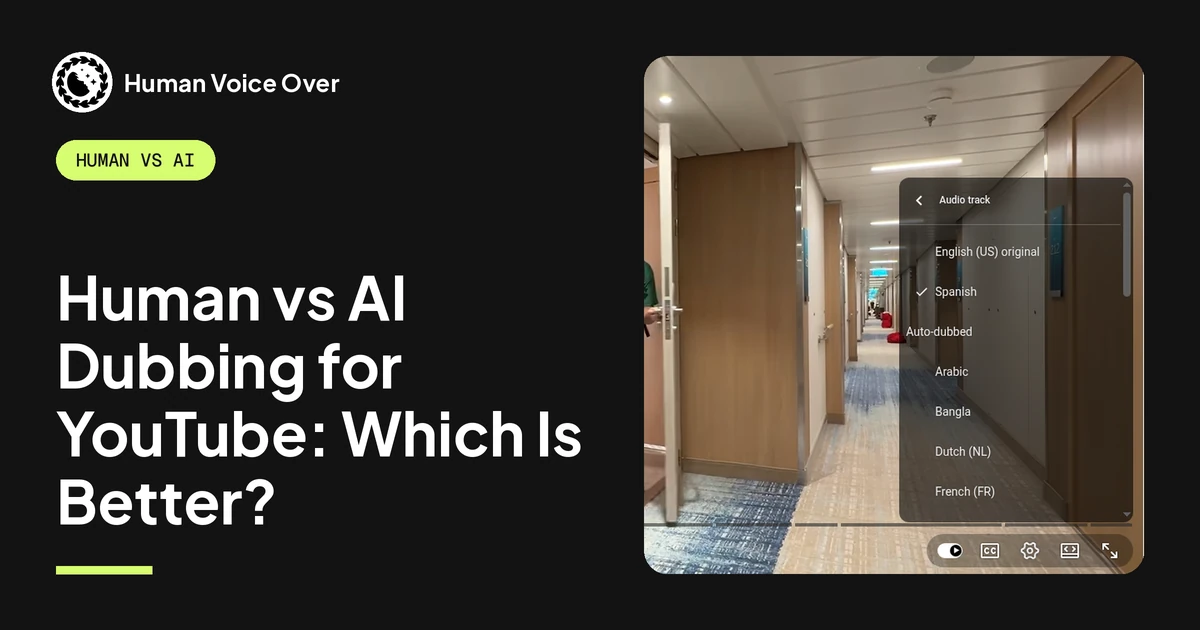
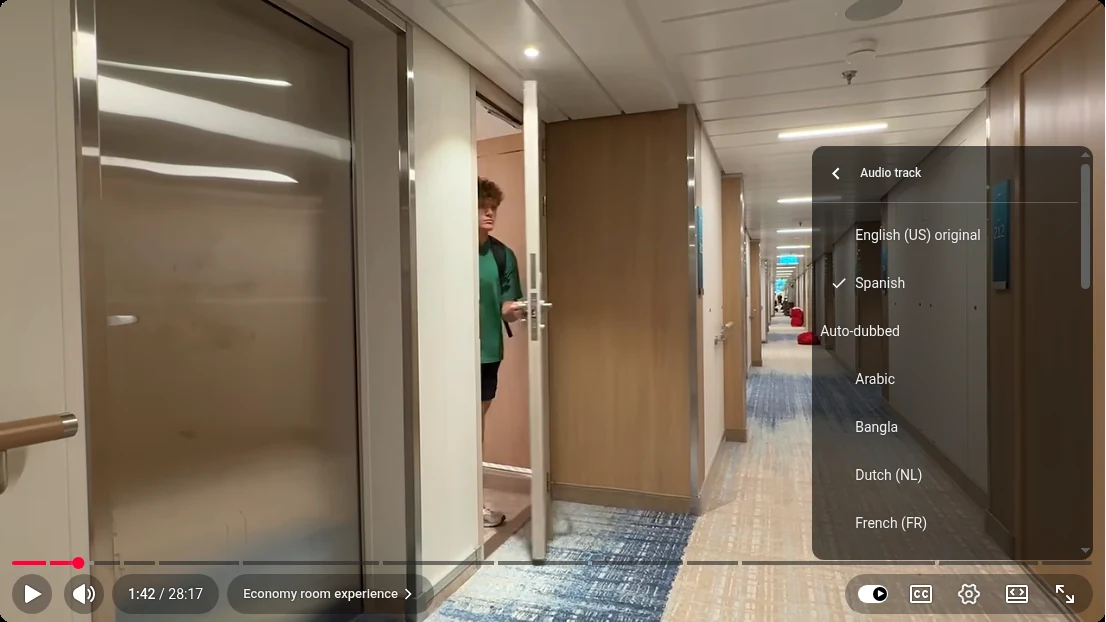
It doesn't have to be all or nothing. In YouTube Studio you can delete the auto dub in one language and upload your own track there, and leave the other languages auto-dubbed. Ryan Trahan's video I Tried Every Room on the Most Expensive Cruise does exactly that: HVO's human dub is listed as "Spanish" in the audio menu, with YouTube's auto dubs under an "Auto-dubbed" heading below it.
A human track tends to pay off when:
- A language has demand but weak watch time, the third row of the table above.
- The language isn't offered at all. For English videos, YouTube's auto dubbing list doesn't include Vietnamese, Turkish, Thai or Urdu, which are among the 21 languages creators have asked HVO for most since mid-2025.
- You are the product. Comedy, several people talking, a recurring cast, sponsor reads: anything where the voice and timing are the reason people watch.
YouTube's own advice for dubbed tracks is to "focus your efforts on one or two languages" and dub as much as you can in them (YouTube Help). That's how we'd start: your biggest non-English language, your best videos. The whole decision, keep it, review it, turn it off or replace it, is in YouTube Auto Dubbing: Keep It, Review It or Replace It?
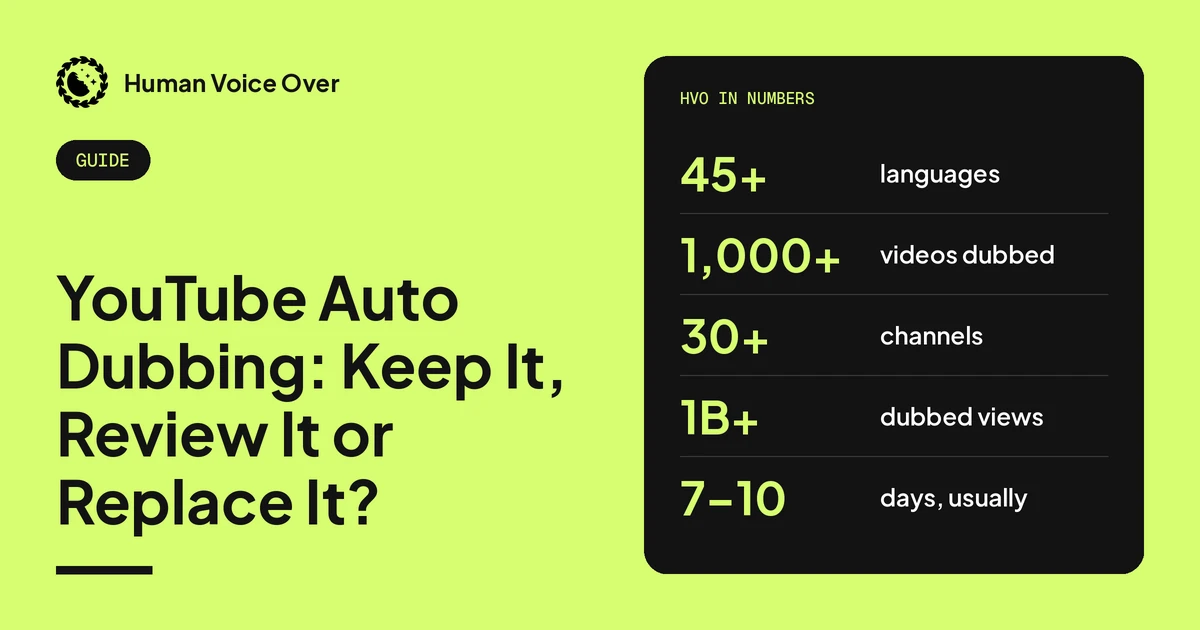
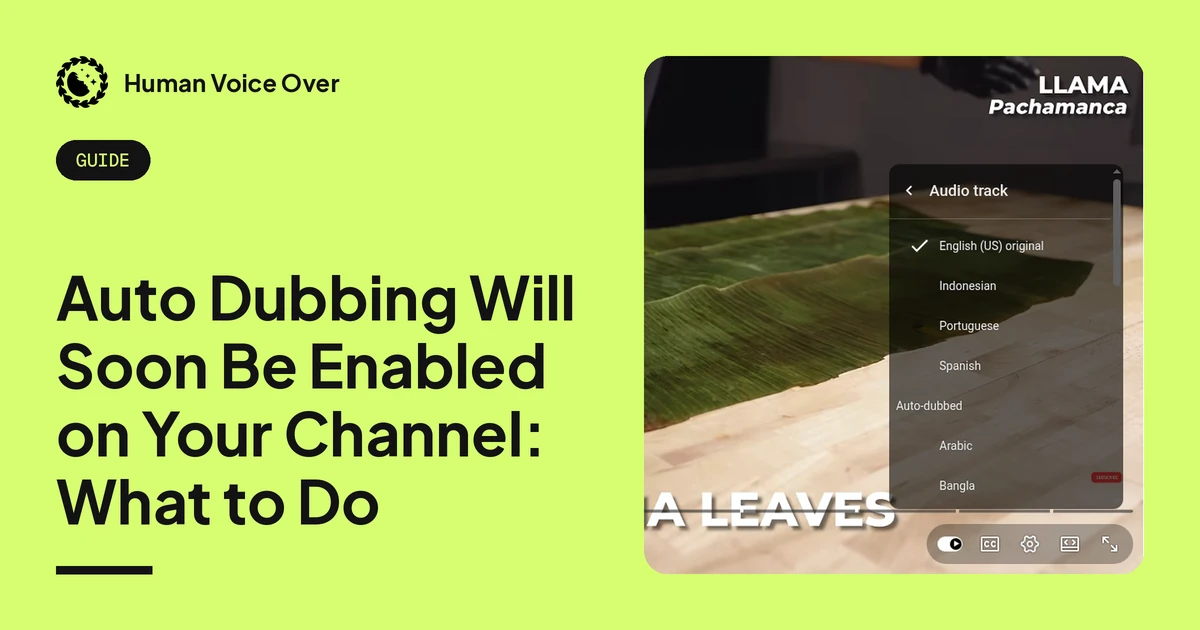
At HVO, a native translator adapts the script and a second person checks it, you pick the voice actors from auditions, the same actor returns for every recurring speaker, engineers mix in your music and effects, and native speakers check every language. It usually takes 7–10 days for a regular long video. Since mid-2025 we've dubbed 1,000+ videos for 30+ creator channels, including Dude Perfect, Preston and Nick DiGiovanni, and our dubbed tracks have passed 1 billion views. How it works: YouTube Dubbing Services: How Human Dubbing Works. To hear an auto dub and a human dub side by side on the same video: Human vs AI Dubbing for YouTube. To swap one language, step by step: Auto Dubbing Will Soon Be Enabled on Your Channel: What to Do And what YouTube is adding next: Live Auto Dubbing and Lip Sync on YouTube: What's Coming for Creators
To see what a human track for your videos would cost, try the dubbing calculator, or book a call and we'll look at which languages your numbers point to.
Questions creators ask
Does auto dubbing hurt YouTube views?
Not by YouTube's account. YouTube says auto dubs have "no negative impact on your original video's discovery algorithm" and may help in other languages. It hasn't published how long auto-dubbed viewers keep watching, so check watch time by audio track in YouTube Studio.
Do views on an auto-dubbed track count toward my video?
Yes. A dub is an extra audio track on the same video, not a separate upload, so people who watch in any language are watching your video.
Will viewers who speak English hear the dub?
Usually not. The audio defaults to each viewer's preferred language, based on their watch history, and viewers can switch tracks in the player or set a preferred language.
Should I turn off auto dubbing to protect my views?
There's no sign that turning it off protects views in your own language. If you're worried about quality, choose Publish manually instead: dubs are still made, but you hear each one before viewers do.
How do I see views by audio track in YouTube Studio?
Open Analytics, choose Advanced mode, and break the report down by audio track. Compare views and watch time for each dubbed language with the original.
When is a human dub worth it instead of an auto dub?
When a language shows real demand but viewers leave early, when YouTube doesn't offer the language at all, or when your voice, timing and humour are the reason people watch.