YouTube announced two things that will change how dubbed video looks and sounds: dubbing a livestream as it happens, and moving the speaker's lips to match the new language. Both are early. This page separates what YouTube has announced from what you can use today, using only YouTube's own blog and help pages, checked on 11 November 2026, and says what it means for a channel that already dubs.
We run Human Voice Over (HVO), a New York dubbing studio where real voice actors, not AI, dub YouTube videos into 45+ languages. So we're not neutral, and we say so where the honest answer is "wait and see". If your question is what to do about auto dubbing on your uploads today, start with YouTube Auto Dubbing: Keep It, Review It or Replace It?
Announced, testing or live: where each feature stands
| Feature | What it does | Status on 11 November 2026 | YouTube's source |
|---|---|---|---|
| Auto dubbing for uploaded videos | Makes AI-voiced audio tracks in other languages for your videos | Live for every channel, 27 languages | YouTube Blog, 4 Feb 2026 |
| Expressive Speech | Copies the speaker's pitch and intonation in the dub | Live in 8 languages | YouTube Blog, 4 Feb 2026 |
| Lip sync for auto dubs | Changes the speaker's lip movement to match the dubbed audio | Experiment, early access for select channels, qualifying videos and languages only | YouTube Help |
| Live auto dubbing | Translates a streamer's speech in real time while they're live | Announced, pilot starting early 2027 | YouTube Blog, 23 Sep 2026 |
| Editing your auto dubs | Lets creators adjust and improve the dubs on their videos | Being built, no date | YouTube Blog, 15 May 2026 |
Table built by HVO from YouTube's own pages, read 11 November 2026. YouTube can change any of these at any time.
Live auto dubbing: what YouTube actually said
At Made on YouTube on 23 September 2026, YouTube's Live team wrote: "we're piloting Live auto dubbing, starting in early 2027. This feature automatically translates your speech in real time, so viewers can listen along in their preferred language as you speak" (YouTube Blog). The reason they gave: more than 40% of live watch time comes from viewers outside a creator's home country. YouTube's CEO listed it among the event's headline updates as "real-time auto dubbing" (YouTube Blog), and 9to5Google reported it the same day.
That is all YouTube has said so far. It has not said:
- which channels get into the pilot, or whether it starts on by default like auto dubbing for uploads did;
- which languages it covers;
- whether the replay keeps the dub once the stream ends;
- whether you can review or switch it off per stream.
If your channel streams, watch for an invitation or a new setting in YouTube Studio in early 2027, and don't plan around details YouTube hasn't confirmed.
One thing worth expecting, based on how auto dubbing works for uploads today: YouTube's help page says recorded auto dubs "might contain errors due to mispronunciations, accents, dialects, or background noise", can struggle with "proper nouns, idioms, and jargon", and skip videos where speech is too fast (YouTube Help). A livestream has all of those, plus no chance to fix anything before viewers hear it. That is our reading, not something YouTube has said about the live version.
Lip sync: what it is and who has it
Lip sync is the part of auto dubbing that changes the speaker's mouth so it matches the new language. YouTube first said it would test it in September 2025 (Google), and in February 2026 said it was "currently testing a Lip Sync pilot" (YouTube Blog).
Today YouTube's help page calls it "an automatic dubbing feature that alters the speaker's lip movement to align with the dubbed audio", and an experimental one: early access is "available to select channels, and only supports qualifying videos and languages" (YouTube Help). To check whether your channel has it:
- In YouTube Studio on a computer, open Settings, then Channel, then Advanced settings.
- Make sure Allow automatic dubbing is ticked. That makes the lip sync option visible.
- If you see Allow experimental lip sync, tick it to try it on your auto dubs and click Save. If you don't see it, your channel doesn't have access yet.
YouTube describes lip sync only as part of its automatic dubbing. Its help page says nothing about lip sync for audio tracks you upload yourself, so don't assume a human track will get it.
What it means if you already dub your channel
Your uploaded videos don't change. Your own dubbed tracks still go on the same video through YouTube's multi-language audio, and viewers still hear their own language by default. One rule to remember: if YouTube has already made an auto dub in a language, you have to delete it before you can upload your own track there (YouTube Help). Step by step: Auto Dubbing Will Soon Be Enabled on Your Channel: What to Do
Lip sync fixes how a dub looks, not what it says. Moving the lips doesn't change a mistranslated name, a joke that lands flat, or two people talking over each other. Those are decided before anyone records. In our process a native translator adapts the script rather than translating word for word, a second person checks it, a voice actor performs it in a studio, engineers mix it with your music and effects, and native speakers check every language before it goes out. More on why that matters: Human vs. AI Dubbing: The Importance of Tone and Timing.
Live dubbing is a new audience, not a replacement for your main languages. A human cast can't dub a stream as it happens; that is the one thing a real-time AI voice does that we don't. Where human dubbing comes in is afterwards: the videos you keep and re-post, the ones you want to sound like you in your biggest markets every week, with the same voice actor for every recurring speaker.
The same test applies as for every auto dub. If you're the product, your jokes, your timing, your friends on camera, hear the AI version before your viewers do. For uploads you can already do that by setting auto dubbing to Publish manually in YouTube Studio (YouTube Help). For live, YouTube hasn't said yet whether that will be possible.
Our take
Live auto dubbing will put more creators in front of viewers who don't speak their language, and that is good for everyone who dubs: those viewers find out they like you, then look for your videos in their language. Lip sync will make AI dubs look better. And by YouTube's account, auto dubs don't hurt your original video's discovery (Does YouTube Auto Dubbing Hurt Your Views? What Is Actually Known). Neither changes what makes a channel's dub feel like the channel: the same voices every week, the timing, the names said right.
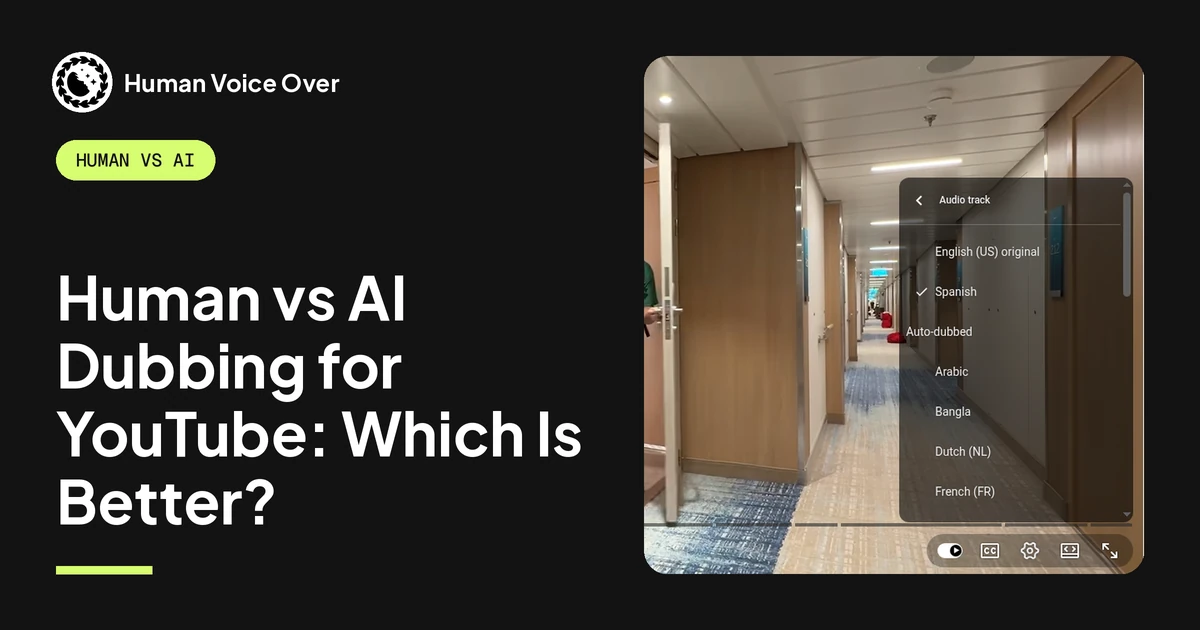
We'll update this page when YouTube shares more about the pilot. Since mid-2025 we've dubbed 1,000+ videos for 30+ creator channels, including Dude Perfect, Preston and Nick DiGiovanni, and our dubs have passed 1 billion views. How a human dub works from start to finish: YouTube Dubbing Services: How Human Dubbing Works. The honest comparison, with a side-by-side you can listen to: Human vs AI Dubbing for YouTube: Which Is Better?.
To see what dubbing your videos would cost, try the dubbing calculator, or book a call and we'll go through which videos and languages are worth it.
Questions creators ask
Is YouTube live auto dubbing available now?
No. YouTube said on 23 September 2026 that it will pilot live auto dubbing starting in early 2027. It hasn't said which channels or languages the pilot covers.
What does YouTube live auto dubbing do?
It translates a streamer's speech in real time, so viewers can listen in their preferred language while the creator is live, YouTube says.
Does YouTube auto dubbing have lip sync?
Only as an experiment. Lip sync changes the speaker's lip movement to match the dubbed audio. YouTube says early access is open to select channels and only works on qualifying videos and languages. If your channel has it, you'll see "Allow experimental lip sync" in YouTube Studio under Settings, Channel, Advanced settings.
How do I turn on lip sync for my YouTube videos?
In YouTube Studio on a computer, go to Settings, Channel, Advanced settings, make sure "Allow automatic dubbing" is ticked, then tick "Allow experimental lip sync" and save. If the option isn't there, your channel doesn't have access yet.
Does lip sync work on dubbed tracks I upload myself?
YouTube describes lip sync only as a feature of its automatic dubbing, and its help page says nothing about tracks you upload yourself.
Will live auto dubbing affect the dubbed tracks on my videos?
YouTube hasn't announced any change to uploaded videos or to the audio tracks creators add themselves. Live auto dubbing is about livestreams.